
It represents your brand, builds trust, and helps generate leads and sales. For WordPress websites, plugins play a key role in adding features and functionality.
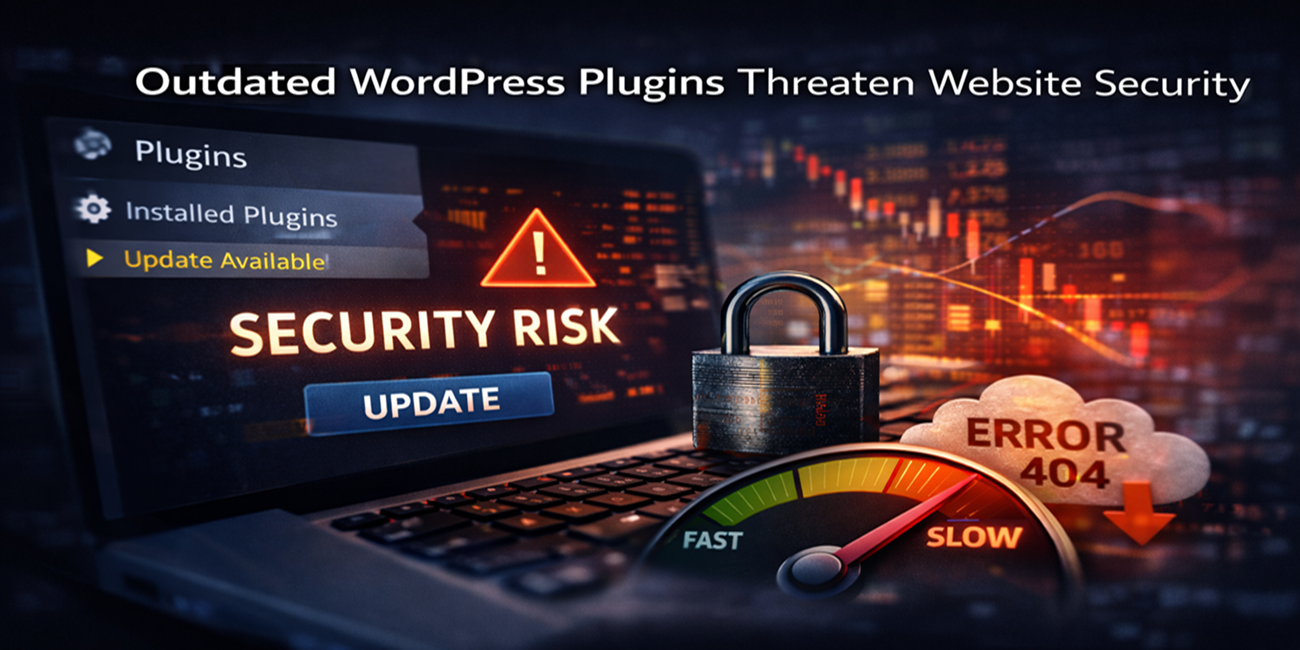
However, when WordPress plugins are not updated regularly, they can turn from helpful tools into serious threats. Outdated WordPress plugins create major risks for security, speed, and website stability, often without showing early warning signs.
At Prime Web Help, we frequently see websites facing problems that started with one simple issue ignored plugin updates.
Why WordPress Plugins Matter So Much
WordPress plugins are used to add important features such as:
- Contact forms
- SEO tools
- Security functions
- Performance tools
- Payment systems
Most business websites use many plugins at the same time. Each plugin is a piece of software that must stay compatible with WordPress core, themes, and hosting environments. When plugins are outdated, this balance breaks and risks begin to grow.
Security Risks of Outdated WordPress Plugins
Higher Risk of Website Hacking
Outdated plugins are one of the most common reasons WordPress websites get hacked. Plugin developers release updates to fix security vulnerabilities. When updates are skipped, those known weaknesses remain open.
Hackers actively search for websites using outdated plugins because they are easy targets. Once access is gained, attackers can control the website, inject harmful code, or steal data.
Malware and Virus Infections
Outdated plugins can allow malware to enter your website.
This malware may:
- Redirect visitors to spam websites
- Show unwanted ads
- Inject harmful scripts
- Damage your website files
Search engines may flag or blacklist infected websites, which instantly reduces traffic and destroys user trust.
Risk to Customer and Business Data
Many plugins handle sensitive information such as login details, form data, or payment information. If an outdated plugin has security flaws, customer data can be exposed.
Data leaks can lead to:
- Loss of customer confidence
- Legal and compliance issues
- Long-term brand damage
For businesses, this risk goes far beyond technical problems.
Speed Risks Caused by Outdated Plugins
Slower Website Performance
Website speed is critical for user experience and SEO. Outdated plugins often use old or inefficient code, which can:
- Increase page loading time
- Put extra load on the server
- Slow down overall performance
Visitors expect fast websites. If pages load slowly, users leave quickly and conversions drop.
Negative Impact on SEO Rankings
Search engines prefer fast and reliable websites.
Outdated plugins may:
- Load unnecessary scripts
- Block proper page rendering
- Reduce performance scores
As a result, search engine rankings can decline, and organic traffic may drop over time.
Poor Mobile Experience
Many outdated plugins are not optimized for modern mobile devices.
This can cause:
- Slow mobile loading
- Broken layouts
- Unresponsive features
Since most users browse on mobile devices, poor mobile performance directly affects business results.
Prime Web Help
Prime Web Help focuses on WordPress website awareness, security risks, and long-term website reliability to help businesses maintain a strong and trustworthy online presence.
Stability Risks of Outdated WordPress Plugins
Plugin Conflicts and Errors
WordPress core and themes are regularly updated. When plugins are not updated, compatibility issues occur.
These issues can result in:
- Website errors
- Broken features
- Admin panel problems
- White screen errors
These problems often appear suddenly and without warning.
Website Crashes and Downtime
Outdated plugins can make a website unstable. In serious cases
This can lead to:
- Website crashes
- Pages not loading
- Complete site downtime
For business websites, downtime means lost leads, lost sales, and poor user experience.
Failed WordPress Core Updates
Sometimes outdated plugins block WordPress core updates.
When this happens:
- Security patches are missed
- Performance improvements are lost
- Website maintenance becomes risky
Over time, the website becomes harder to manage and more vulnerable.
Business Impact of Outdated WordPress Plugins
Loss of User Trust
Users expect professional websites to be fast and secure. If visitors see errors, slow loading, or security warnings, trust is lost immediately.
Once trust is broken, users are unlikely to return or recommend the business.
Increased Recovery and Repair Costs
Ignoring plugin updates may seem like saving time, but it often leads to higher costs later.
Businesses may face:
- Emergency repairs
- Malware cleanup
- Data recovery
- Website rebuilds
These situations are more expensive and stressful than regular maintenance.
Why Many Businesses Ignore Plugin Updates
Common reasons include:
“The website is working fine” mindset
- Lack of technical knowledge
- Fear of breaking the site
- No regular monitoring process
Unfortunately, most website problems appear only after damage has already happened.
Final Thoughts
Outdated WordPress plugins can seriously harm your website’s security, speed, and stability. Don’t wait for problems to appear
Apply for Professional WordPress care with Prime Web Help and keep your website safe, fast, and reliable.
2 Comments
How frequently should site owners review plugins to stay protected?
Site owners should review and update plugins at least once a month, and immediately apply security updates to stay protected and maintain performance.