
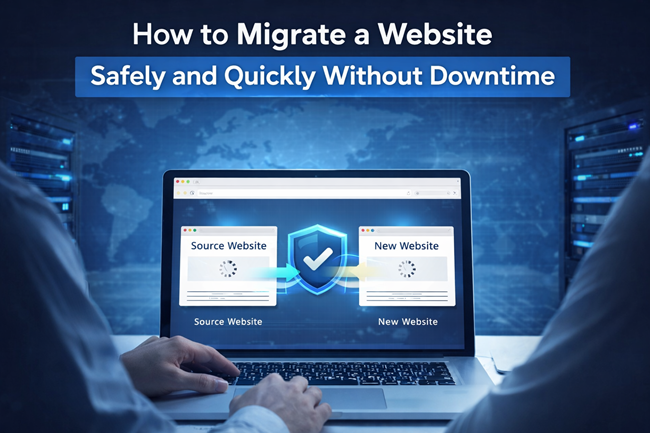
Website migration is one of the most sensitive processes for any online business. Whether you are Changing Hosting, upgrading servers, or moving your website to a new environment, even a small mistake can result in downtime, data loss, SEO ranking drops, or broken functionality.
That’s why safe and fast website migration without downtime is not just a technical requirement it’s a business necessity. At Prime Web Help, we help businesses migrate their websites smoothly while keeping their site live, secure, and fully functional throughout the transition.
What Is Website Migration?
Website migration refers to transferring a website from one setup to another. This could involve changes in hosting providers, servers, domains, or platforms. While migration is often done to improve speed, security, or scalability, it also comes with risks if not handled professionally.
For business websites, migration should never interrupt user access or search engine visibility.
Why Website Downtime Can Hurt Your Business
Downtime during migration can:
- Drive visitors away
- Interrupt sales and leads
- Damage brand trust
- Negatively affect SEO rankings
Even a short outage can create long-term losses. That’s why businesses today demand zero-downtime website migration services.
Common Risks of Improper Website Migration
Without expert handling, website migration can lead to:
- Loss of important data
- Broken pages and forms
- Website errors after migration
- SEO traffic drop
- Security vulnerabilities
These issues often cost more to fix later than doing migration correctly the first time.
Why Safe & Fast Website Migration Matters
A professional website migration ensures:
- Your website stays live during migration
- No loss of files, databases, or content
- SEO rankings remain stable
- Website performance improves
- Users experience no disruption
For growing businesses, this level of reliability is essential.
Website Migration & SEO: What Businesses Must Know
Search engines closely monitor website availability and structure. A poorly managed migration can result in:
- De-indexed pages
- Ranking drops
- Loss of organic traffic
SEO-friendly website migration focuses on maintaining consistency and protecting your search visibility something that requires professional experience.
DIY Migration vs Professional Website Migration
- DIY Website Migration
- Looks cost-saving initially
- High technical risk
- Time-consuming
- No safety net
Professional Website Migration
- Zero downtime
- Business continuity
- SEO-safe process
- Secure handling
For business-critical websites, professional migration is the smarter and safer choice.
Why Businesses Choose Prime Web Help
Prime Web Help is trusted for:
- Safe & fast website migration
- Zero downtime approach
- SEO-friendly handling
- Strong security focus
- Affordable, business-ready solutions
We understand that your website is not just code it’s your digital asset.
When Should You Consider Website Migration?
You may need migration if:
- Your website is slow
- Hosting is unreliable
- Security concerns are increasing
- Your business is scaling
- You want better performance and stability
In such cases, expert migration ensures growth without disruption.
Final Thoughts
Website migration should never be rushed or treated casually. A safe and fast website migration without downtime protects your users, revenue, and online reputation. With professional handling, businesses can move forward confidently without risking their digital presence.
If you’re planning a website migration, Prime Web Help ensures a smooth, secure, and business-safe transition without downtime and without stress.